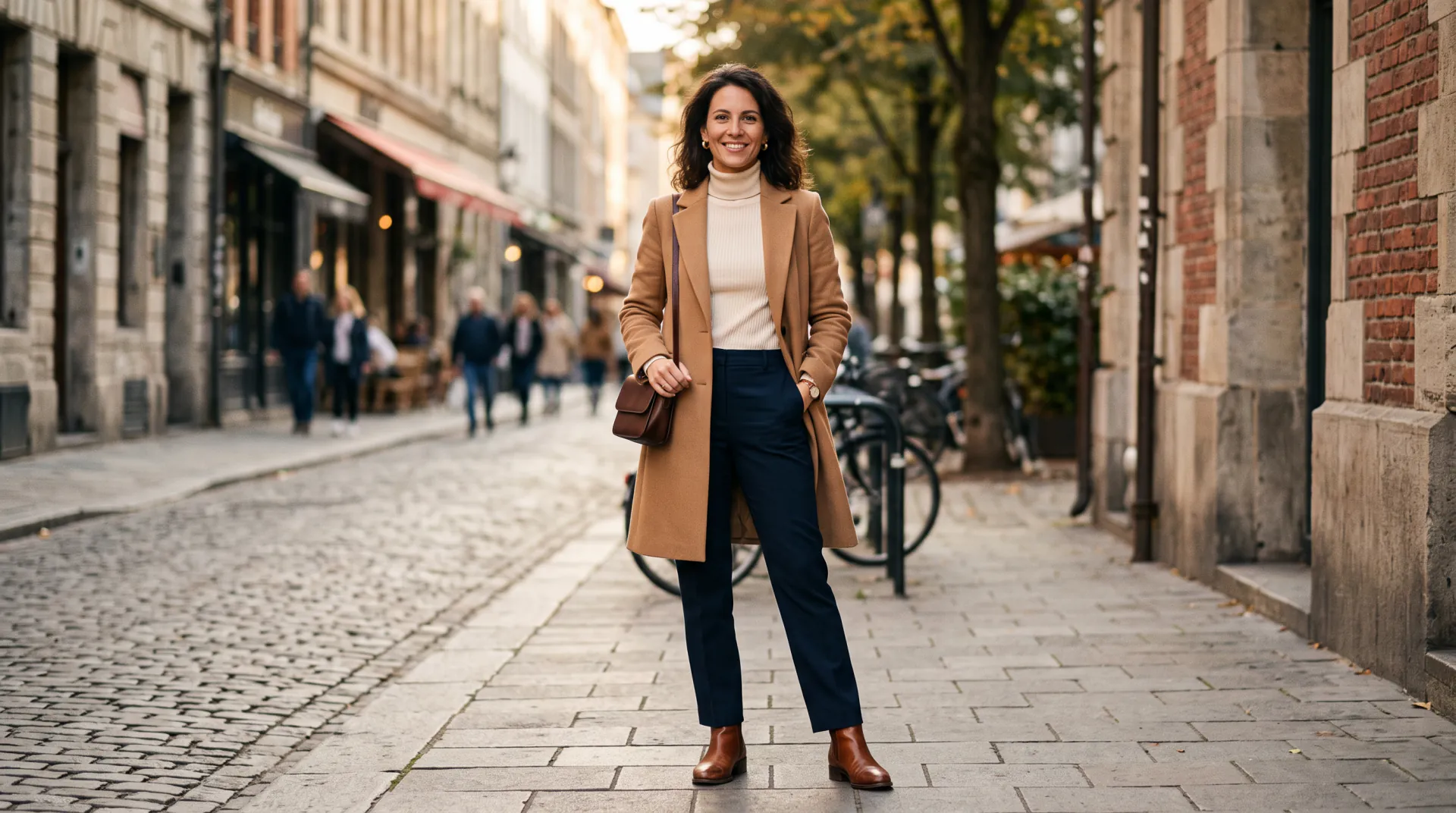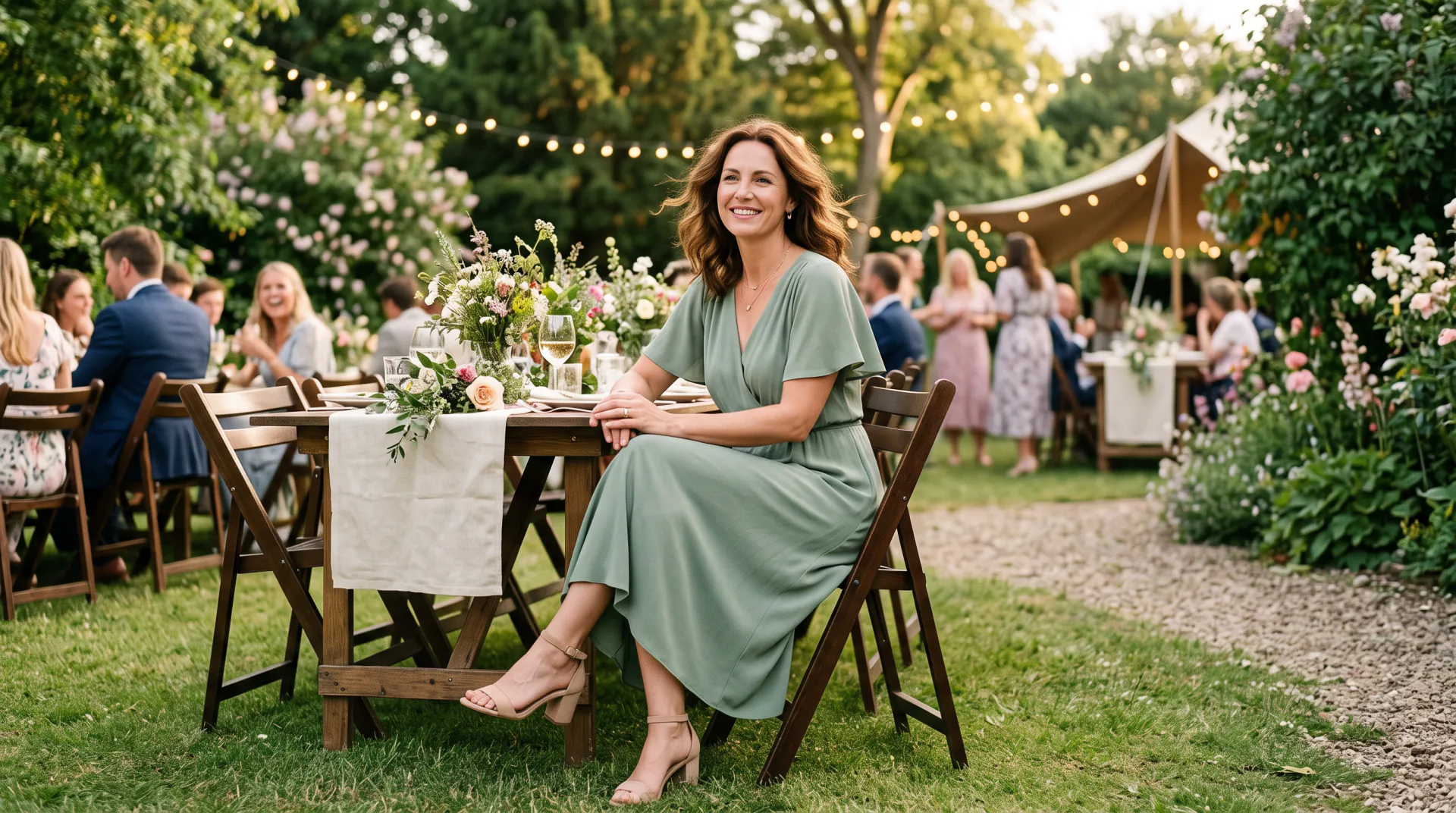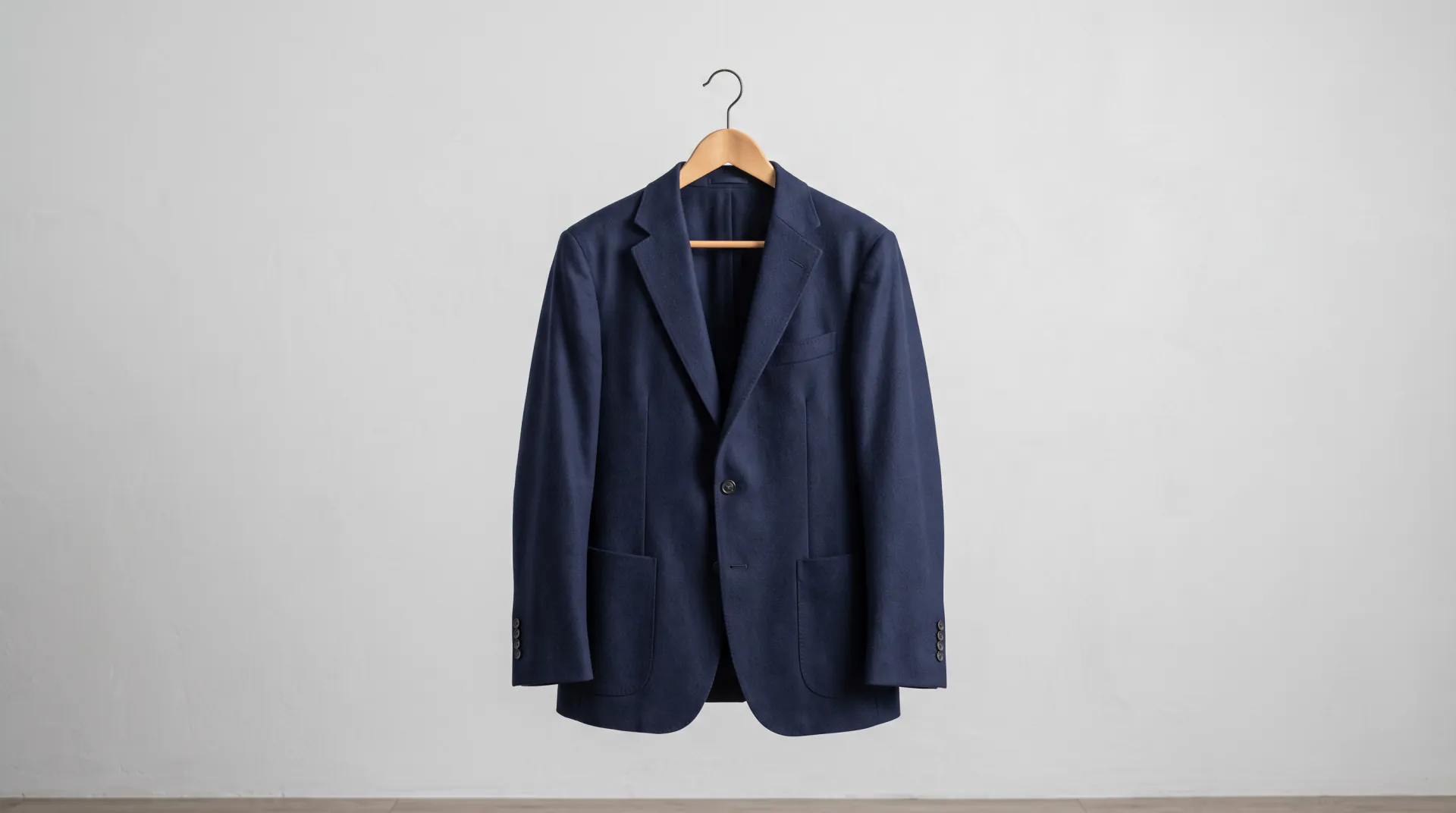



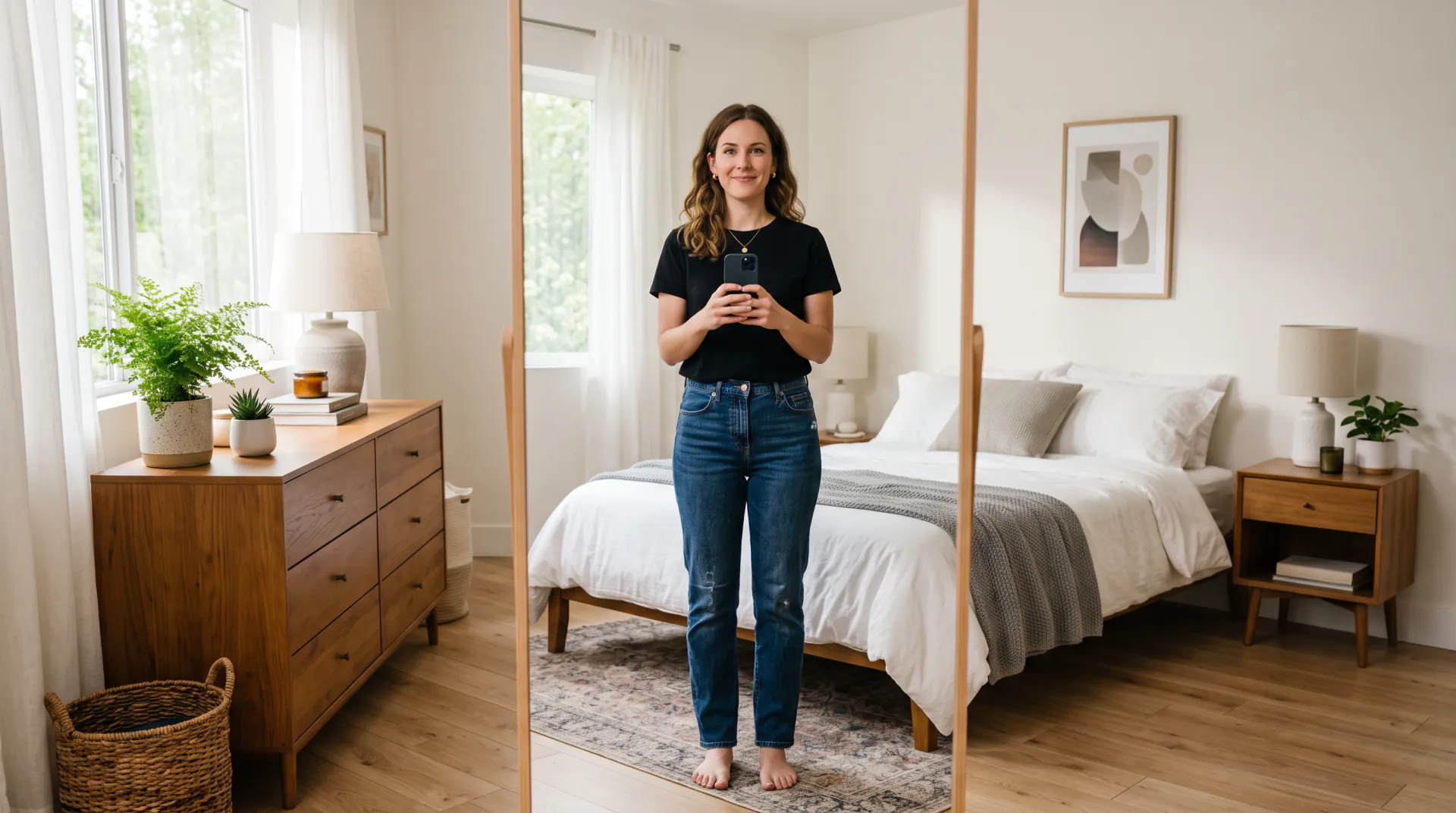
From product photo to your photo

Virtual try on: see a garment from any shop on your own photo

Found a jacket or a dress online? Upload a photo of yourself and the product photo, and see the piece on you, in your pose and your light, before you order.

  • Works with ordinary product photos
  • Your pose and light kept
  • Honest about size and fit
Your photo first (full or half body), then an optional garment photo; 2 images at most. Adults only, no children. PNG, JPEG or WebP, 10 MB each.
Outfits
Model
Shape
Resolution
Variations

45 credits

Buy credits

Add a photo of yourself to change the outfit

At a glance

Virtual try on shows clothes on a picture of you before you buy them. With AI Clothes Changer you upload your own full- or half-body photo plus a product photo of the garment, write “wear the garment from my second photo”, and the image model redraws you wearing it, keeping your face, body and pose. A try-on costs 20 credits with Quick or 45 with Pro, which matches prints and fabrics best. It shows the look, not the real size or fit.

You upload
Your photo, then one product photo of the garment
Price per image
20 credits with Quick, 45 with Pro
Best model for products
Pro, for prints and fabric
Shows
How the color, cut and style look on you
Does not show
Real size, stretch or exact fit
Account
Free account; every image uses purchased credits

What AI virtual try-on is good for

  • 01

    Color and pattern on you

    See whether a color suits your skin tone and hair, and whether a bold print feels like you, before you add it to the cart.

  • 02

    Cut and silhouette

    Compare a cropped jacket with a long coat, or a midi with a maxi dress, on your own body shape and posture.

  • 03

    Building an outfit

    Keep the trousers and shoes you already own and swap only the top, so you can see whether a new piece works with your wardrobe.

  • 04

    Narrowing a shortlist

    Try three options one after another and order only the one you still like when you see it on you.

How to try on clothes virtually

  1. 01

    Upload your photo first

    A sharp, well-lit photo of yourself in simple, fitted clothes, standing straight. Show your whole body for dresses, coats and shoes.

  2. 02

    Add the product photo

    Save the garment's product image and add it as the second photo. Front views on a plain background work best.

  3. 03

    Say what to wear

    Write “wear the garment from my second photo”, and add what to keep, such as “keep my jeans and sneakers”.

  4. 04

    Compare and decide

    Generate two variations with Pro, check the color and details against the product photo, then decide.

How virtual try on works here

Virtual try-on tools come in two kinds. Augmented-reality mirrors and apps overlay a 3D model of a garment on a live camera view, usually for one store's catalog. Image-based try-on, which this site does, takes a still photo of you and a photo of the garment and draws a new picture of you wearing it.

The image model reads the garment's color, pattern, fabric and cut from the product photo, then paints it onto your body in your pose, with folds and shadows that follow your light. The brief asks it to keep your face, hair, body shape and background as they were, and to leave out logos and printed lettering.


Choosing a product photo that works

The try-on can only copy what the product photo shows clearly:

  • A front view of the whole garment, not a close-up of the fabric
  • A plain background, or the garment on a single model
  • The largest image the shop offers, not a thumbnail
  • One garment per photo; try a set in two runs
  • Natural colors: skip photos with strong color filters
  • For patterned pieces, a photo where the print is in focus

What virtual try on cannot tell you

A generated image cannot know your measurements or the garment's real dimensions. It does not predict which size to order, how a fabric stretches, where a hem will fall on your legs or how a waistband will sit. Colors also vary between product photos, screens and the real fabric.

Use the try-on to decide whether you like a piece on you, then use the shop's size chart and return policy to decide which size to order.

For sellers and stylists

Stylists and small shops can use image try-on to show a client or a consenting adult model in a garment before a shoot. Each try-on is one image request on this site; there is no batch upload or API. Use photos only with the person's permission, and do not present a generated image as a product photo of the real garment's fit.

Ways to try clothes on before you buy

AI virtual try onAR try-on mirrorOrder and return
Works withAny garment with a product photoOne store's 3D catalogAnything the shop sells
What you seeA generated still image of youA live overlay on cameraThe real garment
Size and fitNot shownApproximate at bestReal
Cost and effortAbout $0.17–$0.56 in credits per imageFree in the store's appShipping, returns and waiting

Virtual try on FAQ

What is a virtual try on?

A way to see clothes on yourself without putting them on. Here, an image model takes your photo and a photo of the garment and draws a new picture of you wearing it, in your pose and your light.

Can I virtually try on clothes from any online store?

Yes, if you can save a clear product photo of the garment. Add it as your second image. The site is independent and not connected to any store, so the try-on uses only the picture you upload.

Does virtual try on show if the size fits?

No. The image shows how the style, color and cut look on you, not how a specific size fits your measurements. Use the shop's size chart for that.

Which model is best for trying on a product?

Pro (Nano Banana Pro, 45 credits) copies prints, fabric texture and details such as buttons and seams more faithfully. Quick (20 credits) is fine for checking a color or a shape.

Can I try on shoes, bags or glasses?

Shoes and bags can be part of an outfit you describe or upload, and work best in full-body photos. The site is built for clothing, so small accessories such as glasses or jewelry are less reliable.

Try it on before you order

Upload your photo and the product photo. Generation uses purchased credits; packs start at $4.99.

Last updated October 23, 2026

Create your free account