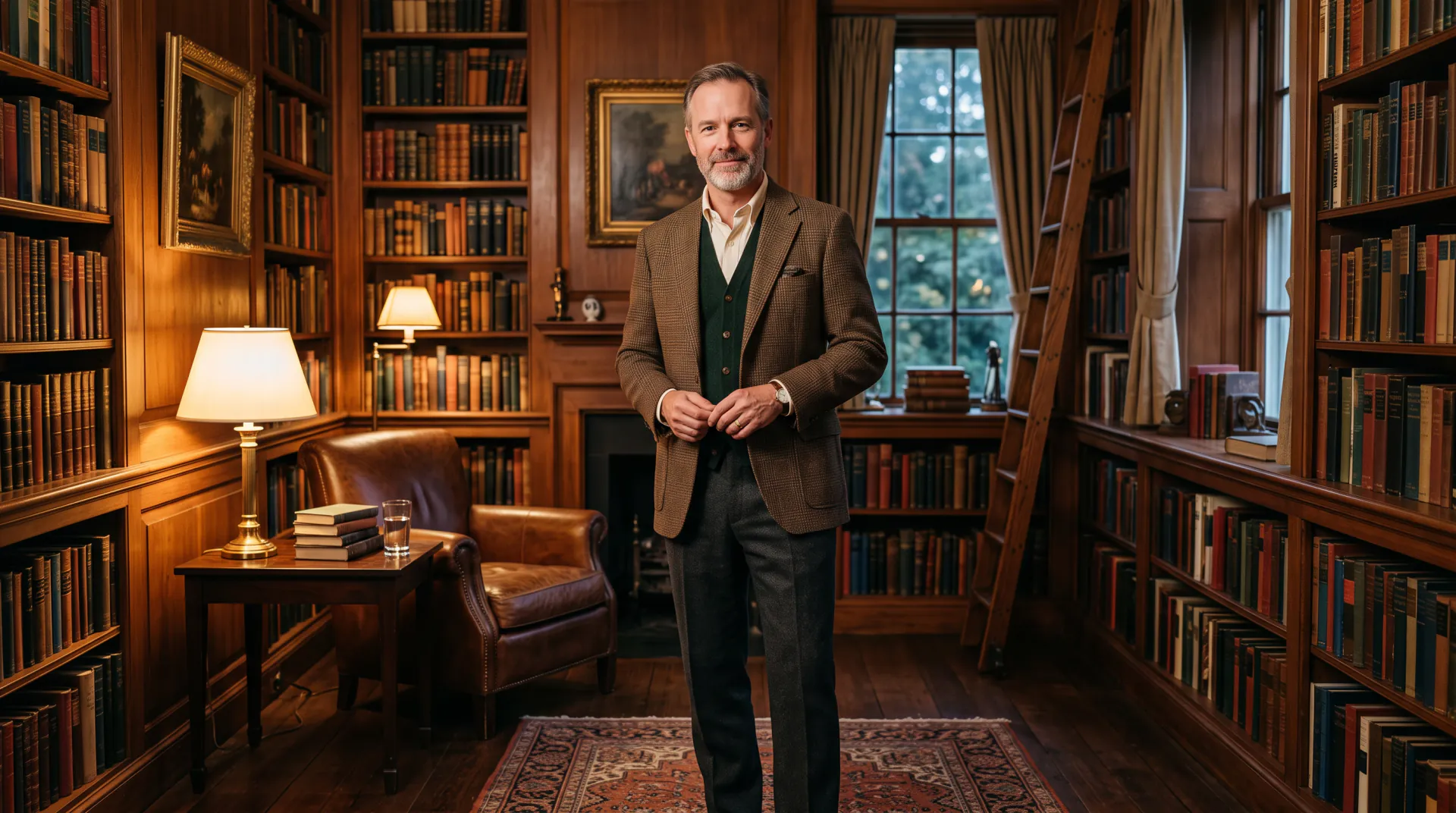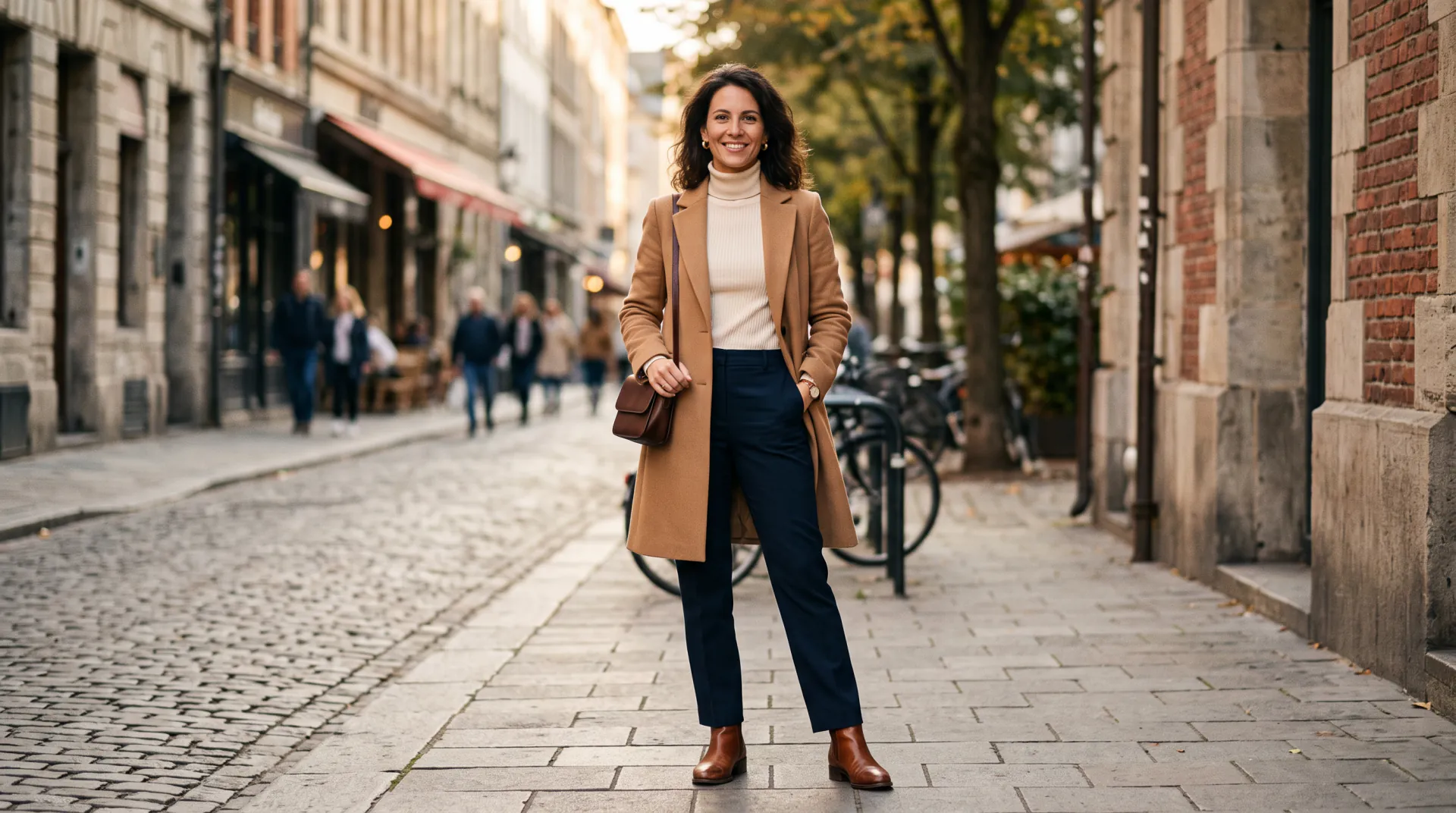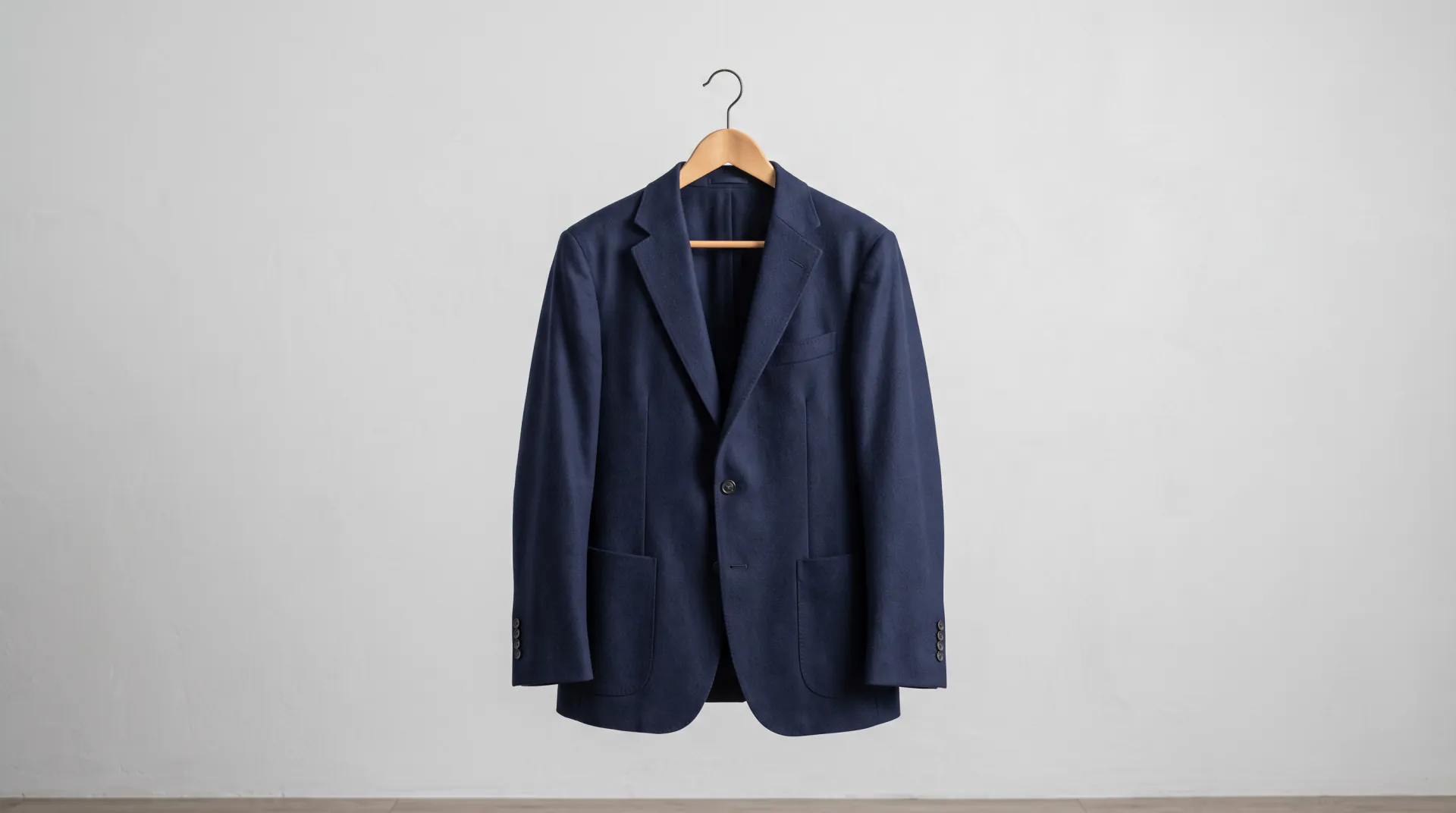
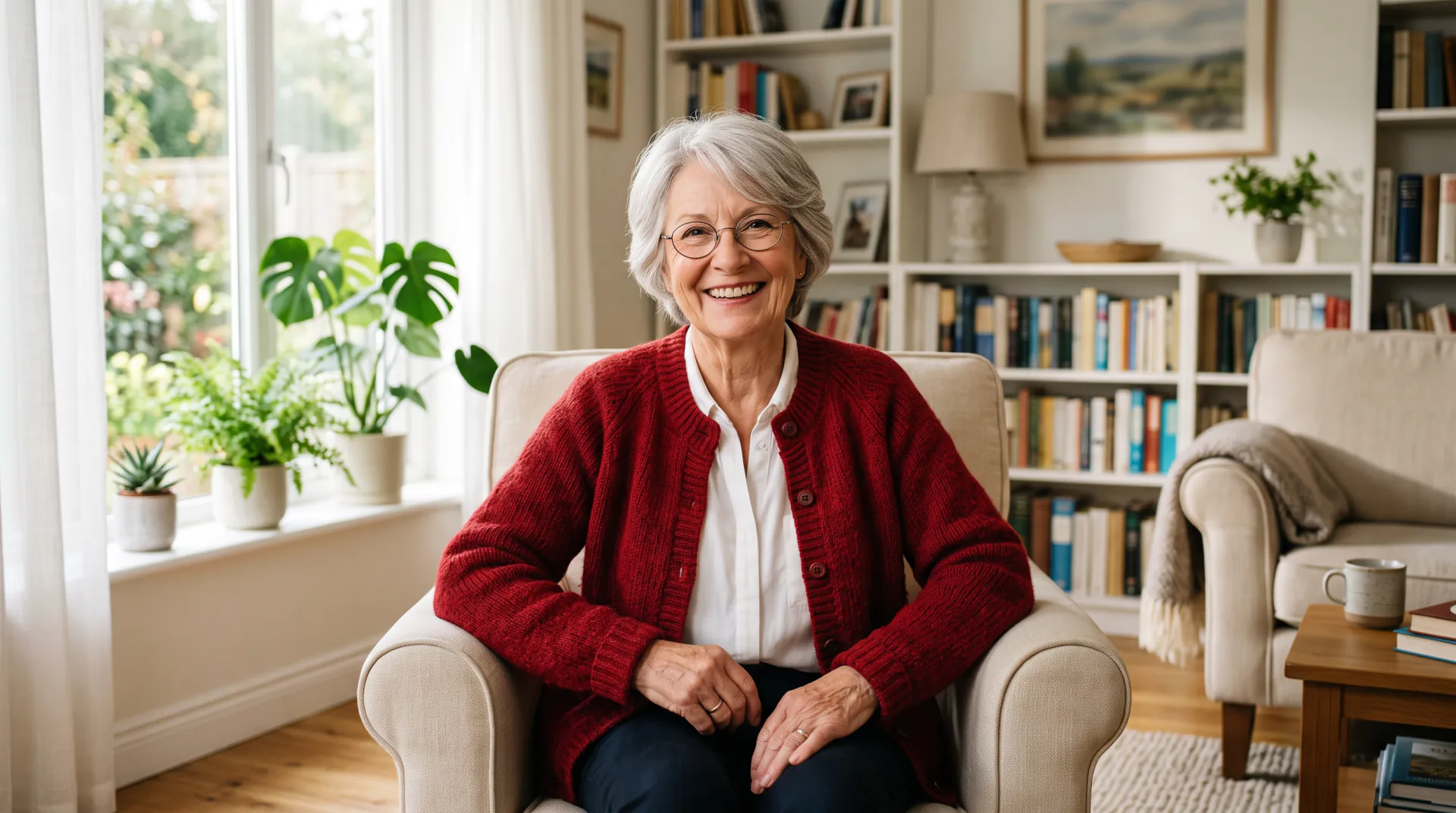
Outfit ideas, worn by you

AI outfit generator: create outfits and see them on you

Not sure what to wear? Describe the occasion, a style or a color palette, and see a complete outfit on your own photo instead of on a stranger in a lookbook.

  • Occasion, style or color first
  • Seen on your own photo
  • Free dress code guide
Your photo first (full or half body), then an optional garment photo; 2 images at most. Adults only, no children. PNG, JPEG or WebP, 10 MB each.
Outfits
Model
Shape
Resolution
Variations

20 credits

Buy credits

Add a photo of yourself to change the outfit

At a glance

An AI outfit generator turns a description such as “smart casual dinner in autumn” into a complete outfit. AI Clothes Changer draws that outfit directly on your uploaded photo, keeping your face, body and pose, so you judge the idea on yourself. Start from an occasion, a style aesthetic or a color palette, or keep one piece you own and change the rest. Each image costs 20 credits with Quick or 45 with Pro, and the dress code guide below is free.

Start from
An occasion, a style, a color palette or a piece you own
What you upload
A full- or half-body photo of yourself, plus an optional garment photo (2 images at most; PNG, JPEG or WebP, 10 MB each)
Price per image
20 credits with Quick, 45 with Pro
Ready ideas
27 outfit prompts in 7 groups
Account
Free account; every image uses purchased credits

Four ways to generate an outfit

  • 01

    Start from the occasion

    Write the event and the season, such as “garden wedding in June” or “first day at a law firm”, and let the model pick pieces that fit the dress code.

  • 02

    Start from a style

    Name an aesthetic such as minimalist, streetwear, preppy, bohemian or dark academia, and add one or two colors you like.

  • 03

    Start from colors

    Give a palette, such as “camel, cream and chocolate brown”, to see which combinations flatter your skin tone and hair.

  • 04

    Keep one piece you own

    Write “keep my jeans” or add a photo of a favorite jacket, and build the rest of the outfit around it.

How to generate an outfit on your photo

  1. 01

    Upload a full-body photo

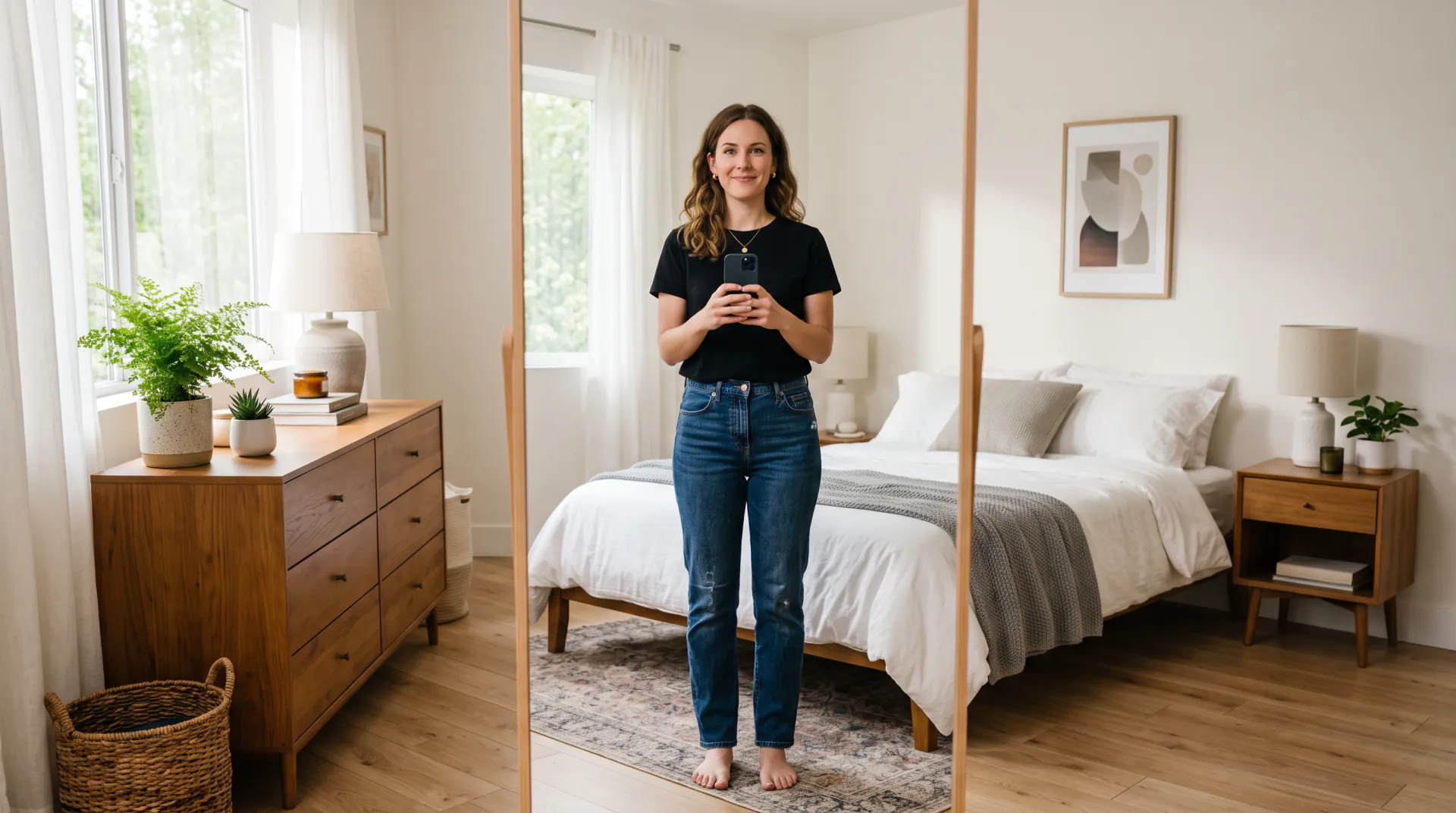
    Head to feet shows the whole outfit, including shoes. Stand straight in simple clothes.

  2. 02

    Describe the goal

    Occasion, style or colors, plus anything to keep. Short and specific beats long and vague.

  3. 03

    Generate two variations

    Two variations give you two different takes on the same brief to compare.

  4. 04

    Refine one detail

    Change one thing per run, such as the shoes or the color of the top, until the outfit is right.

A free dress code guide

Most “what should I wear” questions are dress code questions. Use these definitions in your outfit description, or just to check an invitation:

  • White tie: tailcoat with white bow tie, or a floor-length formal gown
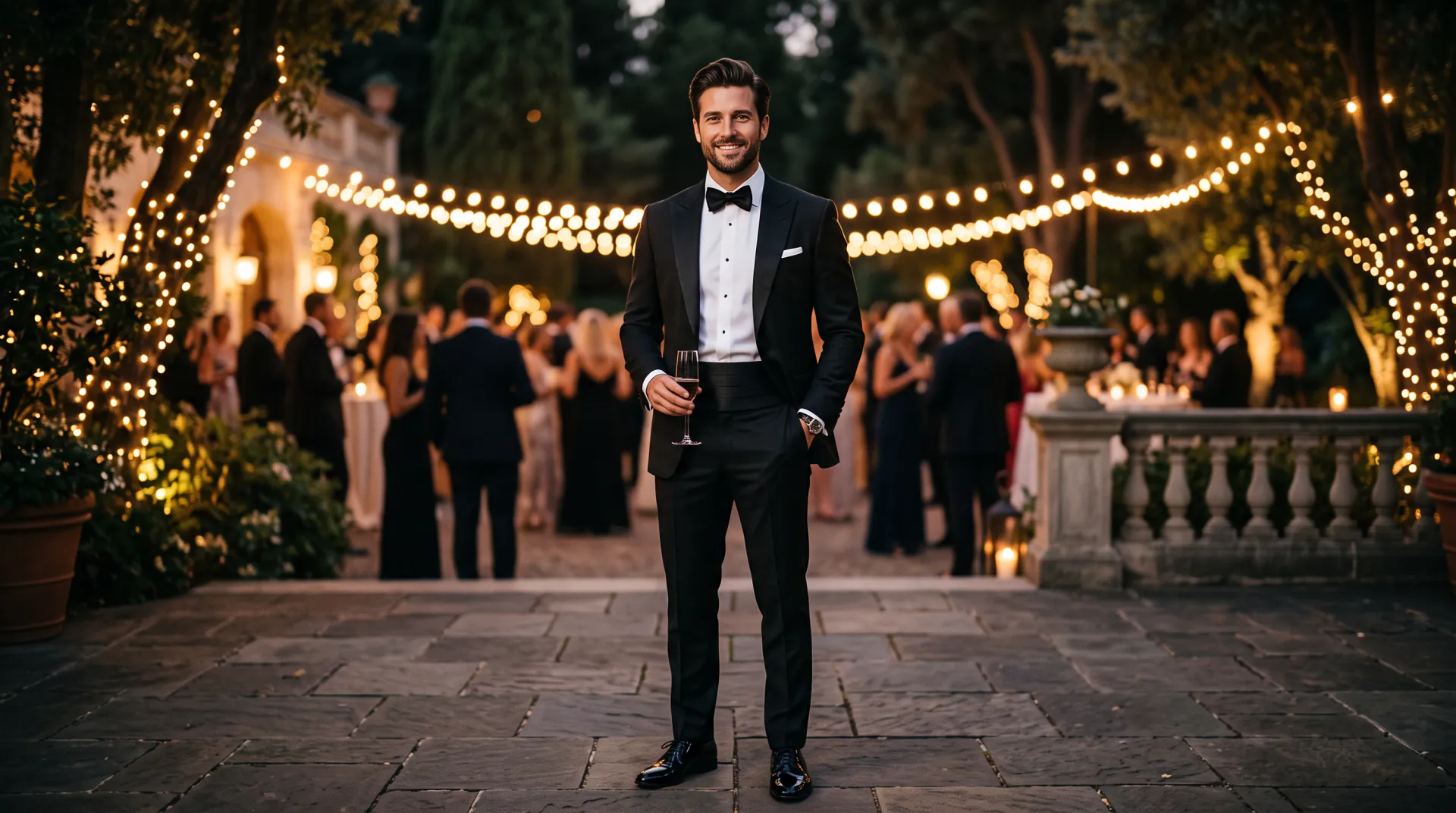
  • Black tie: tuxedo with black bow tie, or a floor-length or elegant cocktail gown
  • Cocktail: dark suit or a knee- to midi-length dress, polished shoes
  • Business formal: dark suit and tie, or a suit or sheath dress with closed shoes
  • Business casual: blazer or knitwear with trousers or a skirt, no tie needed
  • Smart casual: dark jeans or chinos with a shirt, knit or blazer, clean shoes
  • Casual: jeans, tees, sweaters and sneakers, chosen with care

Outfit formulas that rarely fail

Stylists reuse a few combinations because they work on almost everyone. Try them as outfit descriptions:

  • Blazer, plain tee, straight jeans and clean white sneakers
  • Long coat over a fine knit in the same color family
  • Midi dress with a denim jacket and low boots
  • One bold color piece, everything else neutral
  • Head-to-toe one color in different shades and textures
  • Crisp shirt, tailored trousers and loafers

How to describe an outfit so the AI gets it right

Go from top to bottom and name each piece with its color, fabric and fit: “oversized beige wool blazer, white silk blouse, wide black trousers, black loafers”. Then add what must not change, such as “keep my bag”.

Vague words like “stylish” or “nice” leave the choice to the model. Concrete words, such as linen, tweed, satin, cropped, pleated or high-waisted, give you the outfit you have in mind.

Who the outfit generator is for

Anyone over 18 planning an event, a trip, a new job or a wardrobe refresh, for any gender and any body type. The model dresses the body in your photo as it is; it does not slim or reshape anyone. It needs a photo of a real person to dress: it does not design flat garment sketches or dress mannequins.

AI outfit generator FAQ

What is an AI outfit generator?

A tool that turns a description, such as an occasion, a style or a color palette, into a complete outfit. This one draws the outfit on your own uploaded photo, so you see the idea on yourself.

Can it suggest an outfit for a specific event?

Yes. Name the event, the season and the dress code, for example “black tie winter gala” or “beach wedding guest, smart casual”, and the model chooses pieces that fit.

Can I keep part of what I am wearing?

Yes. Write what to keep, such as “keep my jeans and sneakers”, or add a photo of a piece you own as the second image and build the outfit around it.

Does it work for every body type?

Yes. The brief tells the model to keep your body shape, height and pose exactly, so the outfit is drawn on you as you are, without slimming or reshaping.

Can I generate outfits without uploading a photo?

No. The generator only dresses a real person in an uploaded photo. For ideas without a photo, read the free dress code guide and the outfit prompt library.

Find out what to wear, on you

Upload a full-body photo and describe the occasion. Generation uses purchased credits; packs start at $4.99.

Last updated October 23, 2026

Create your free account