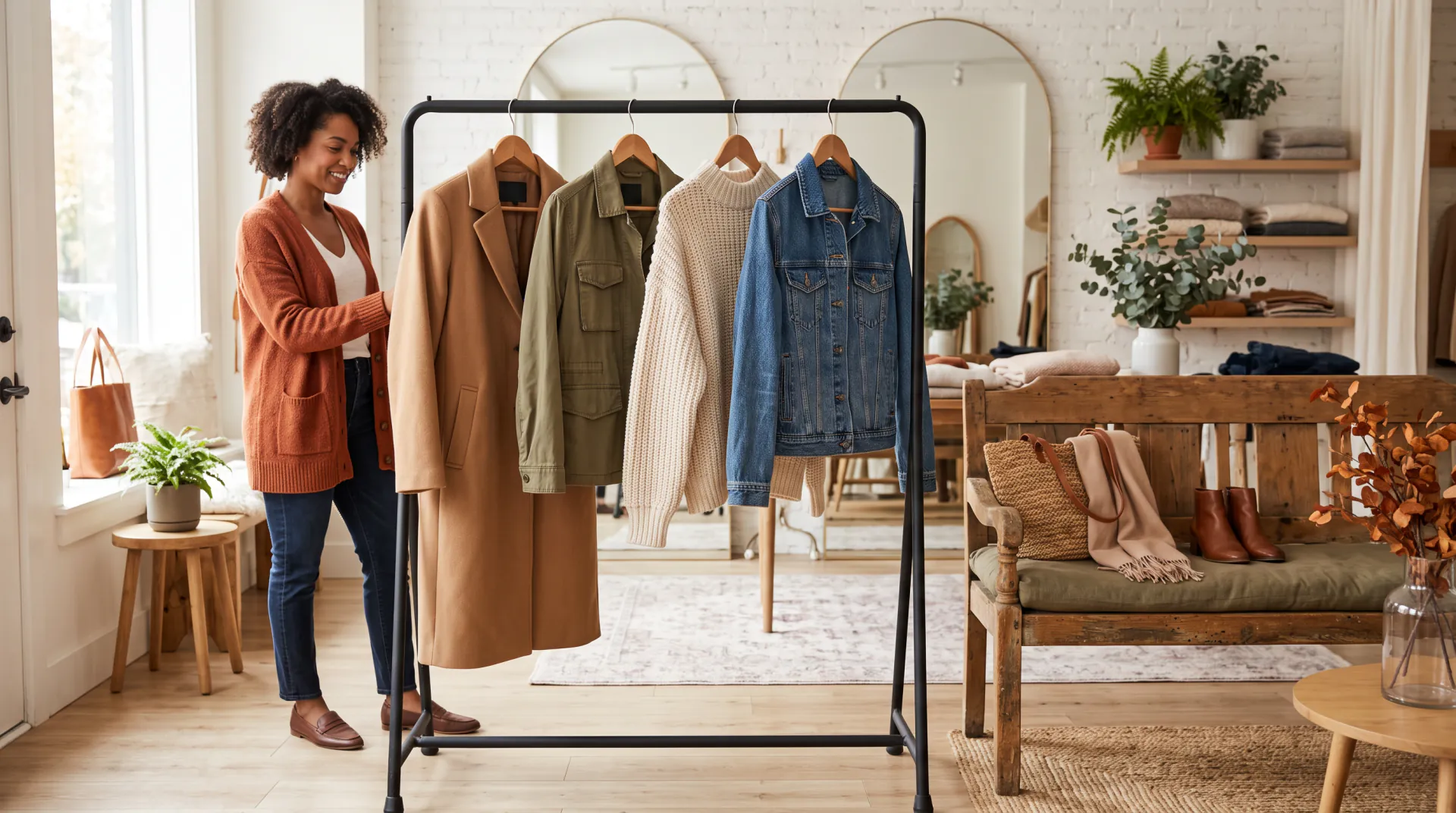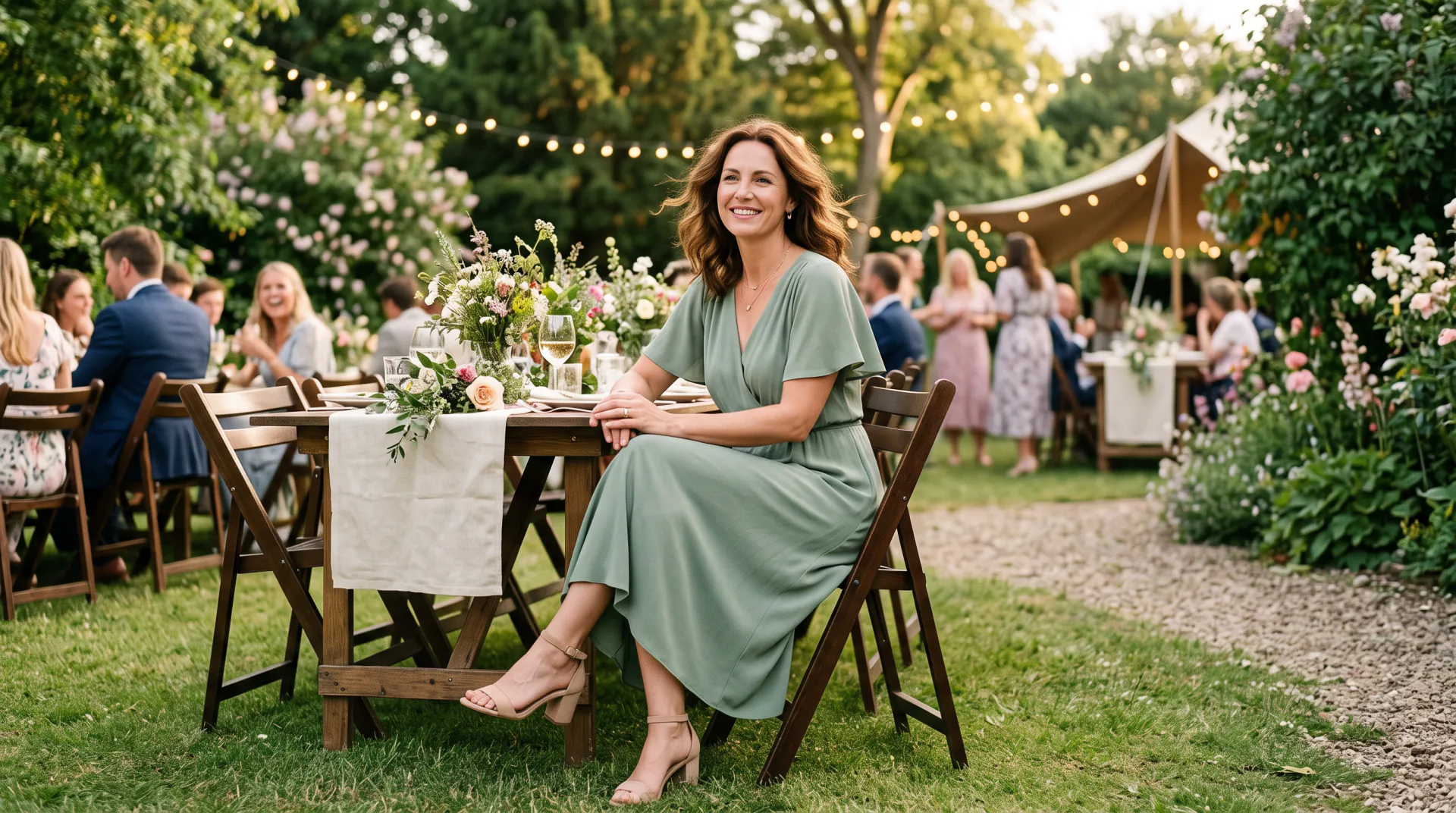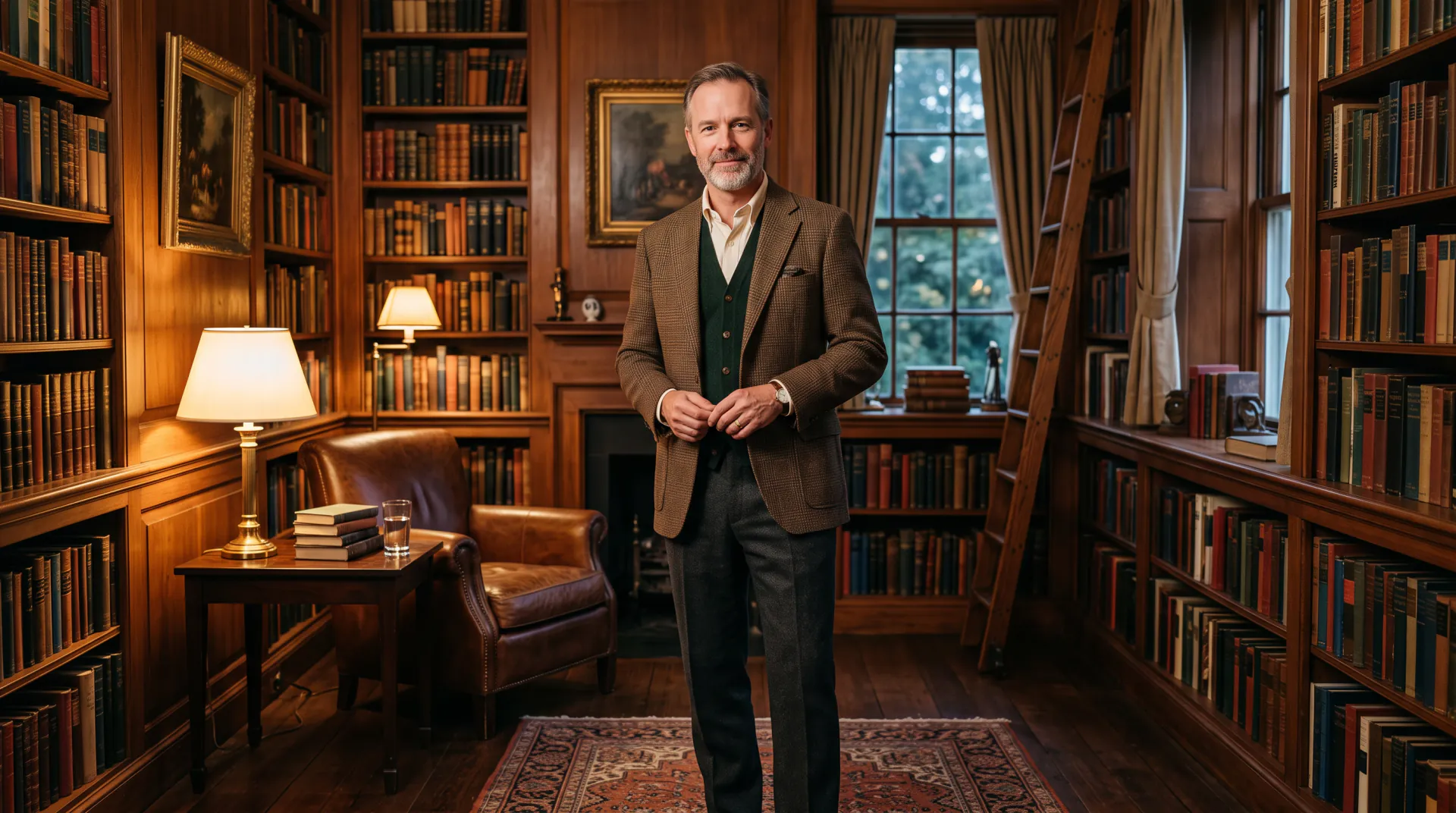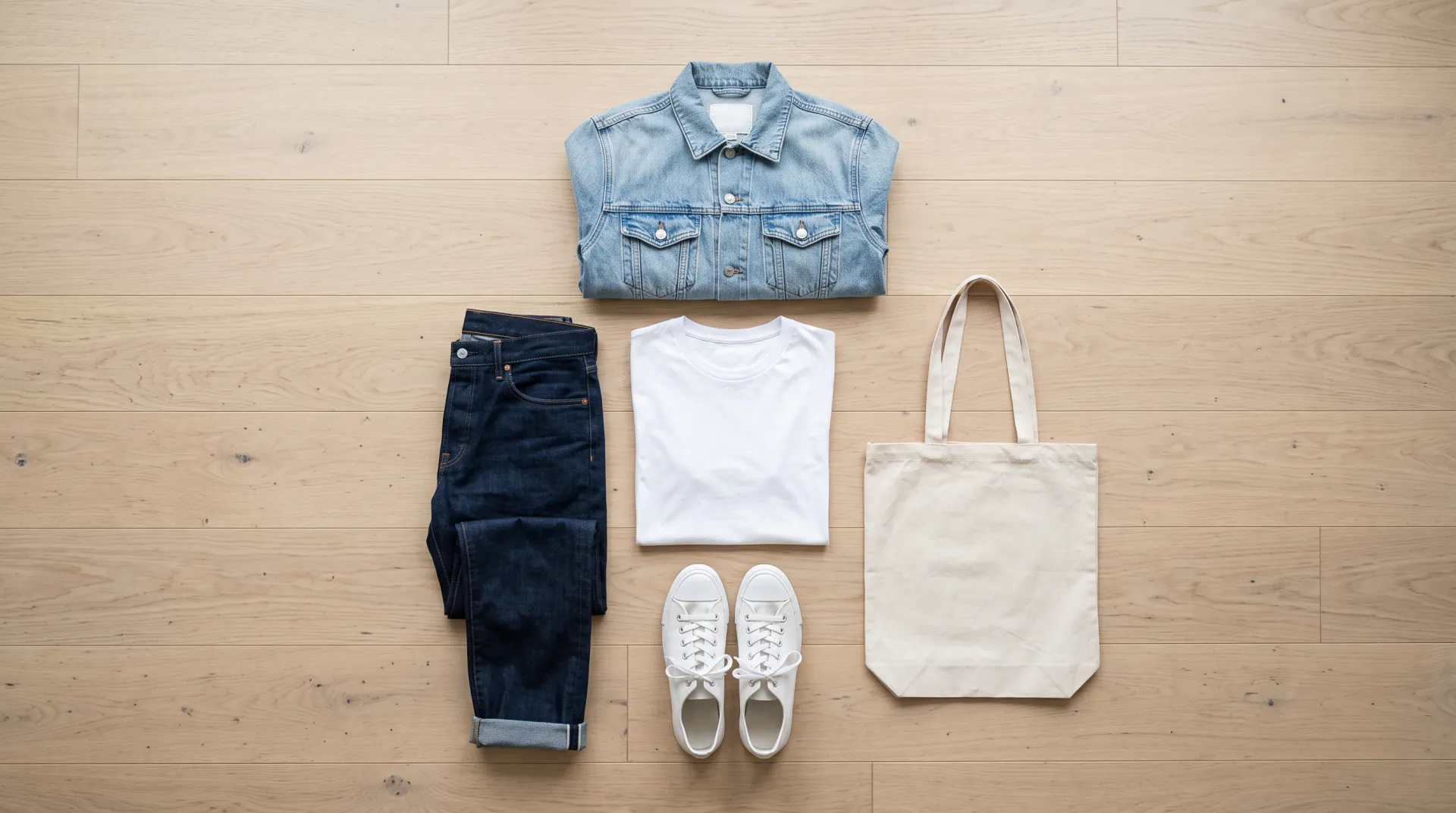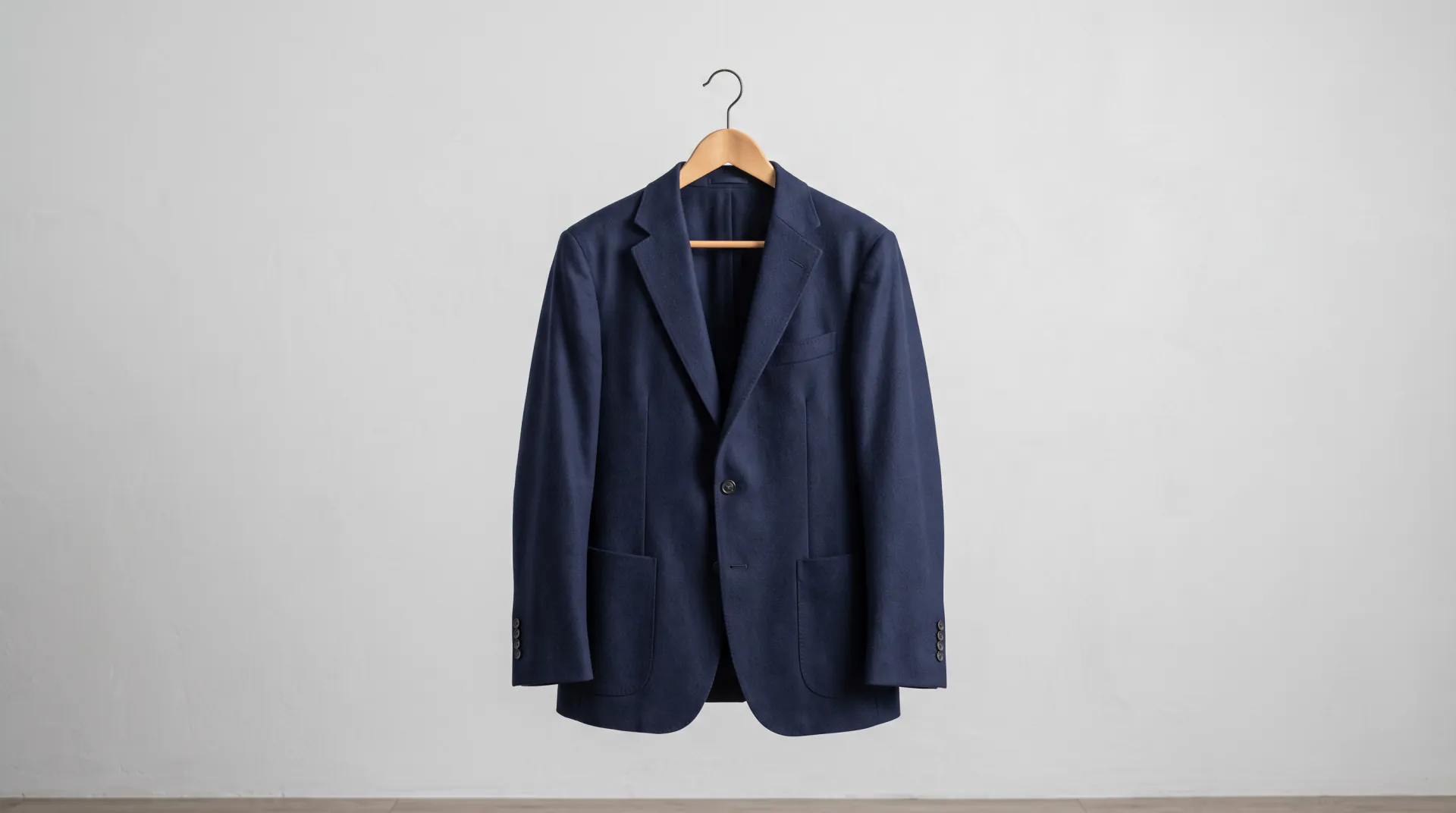

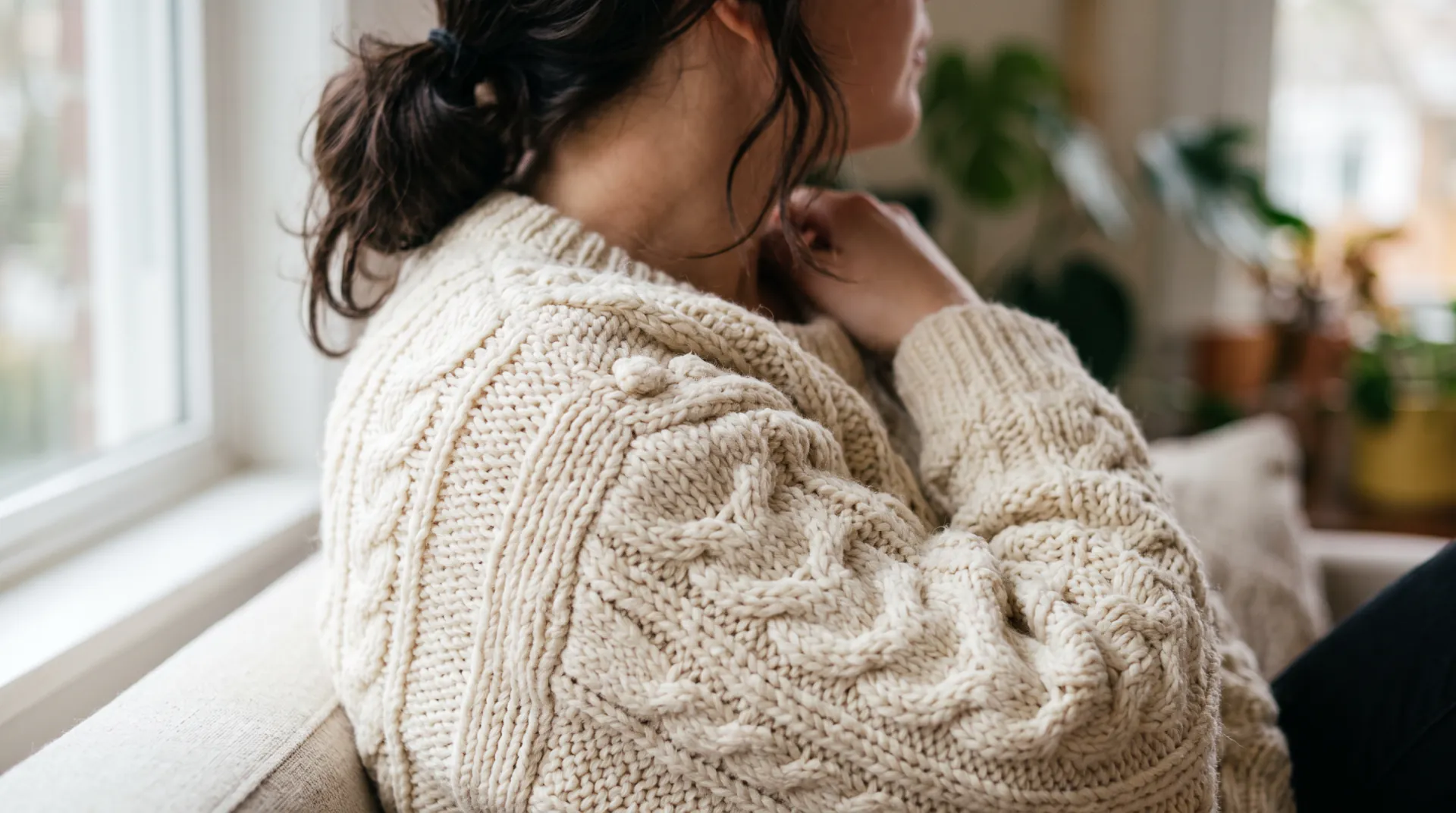

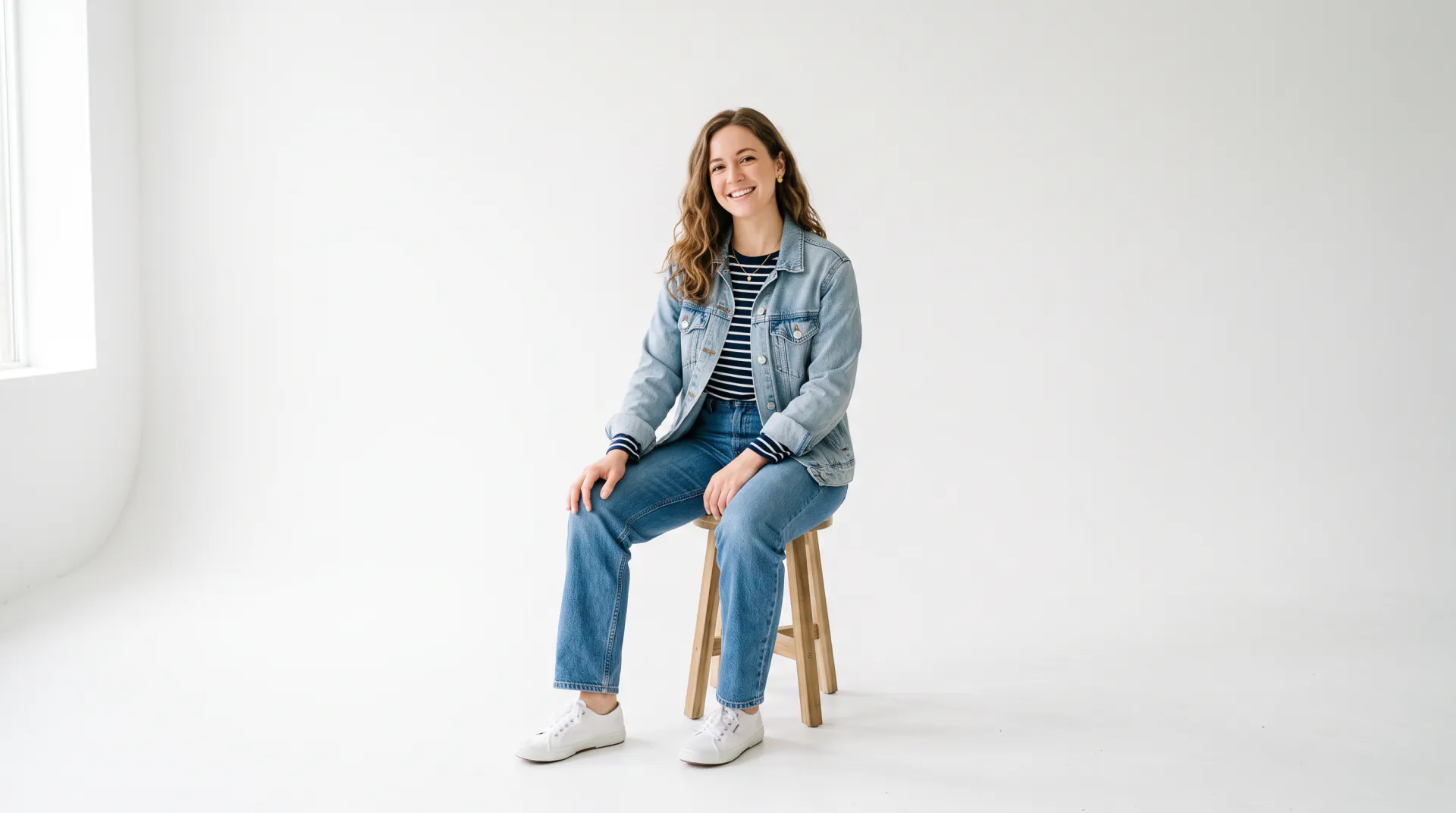
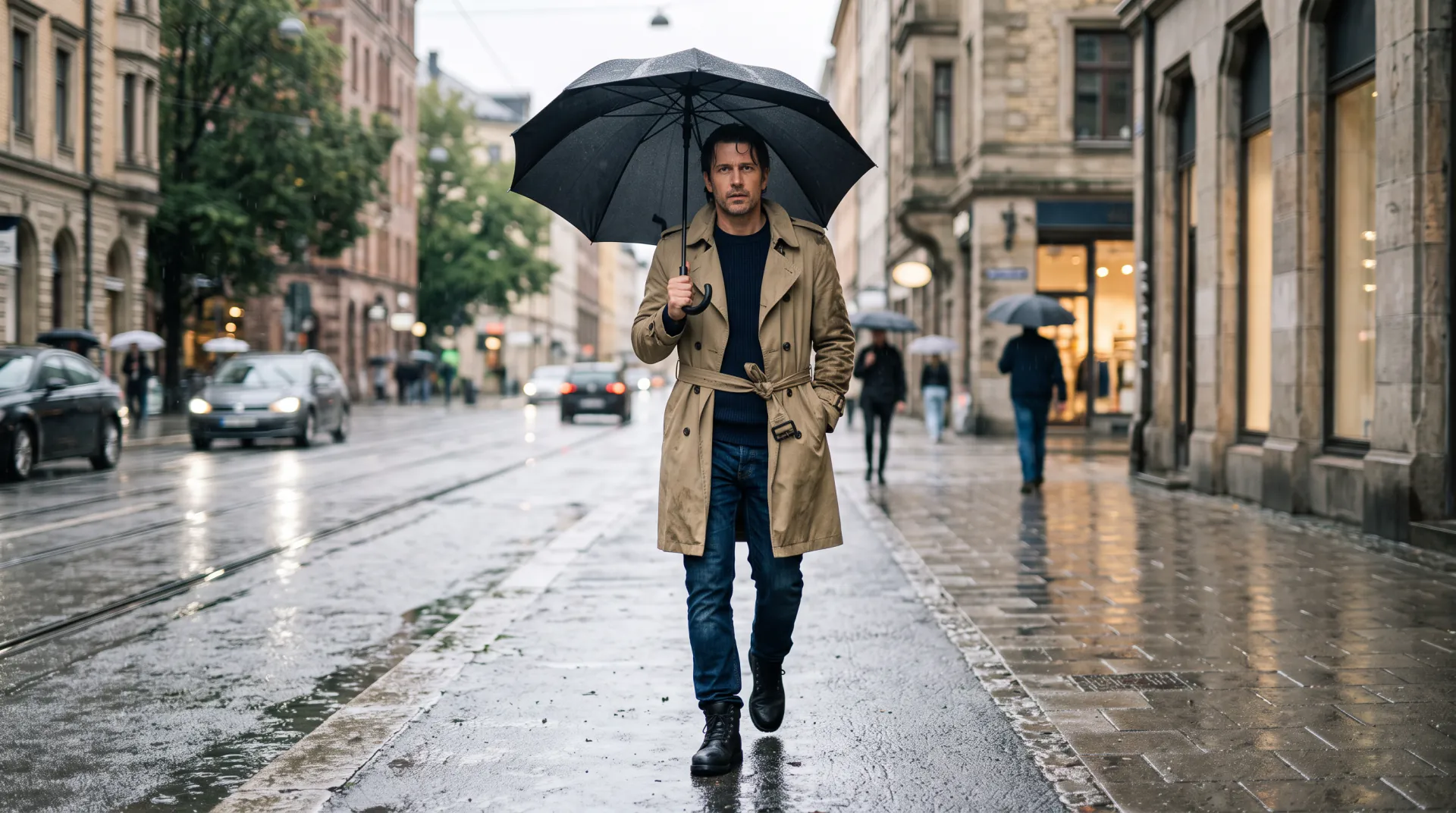
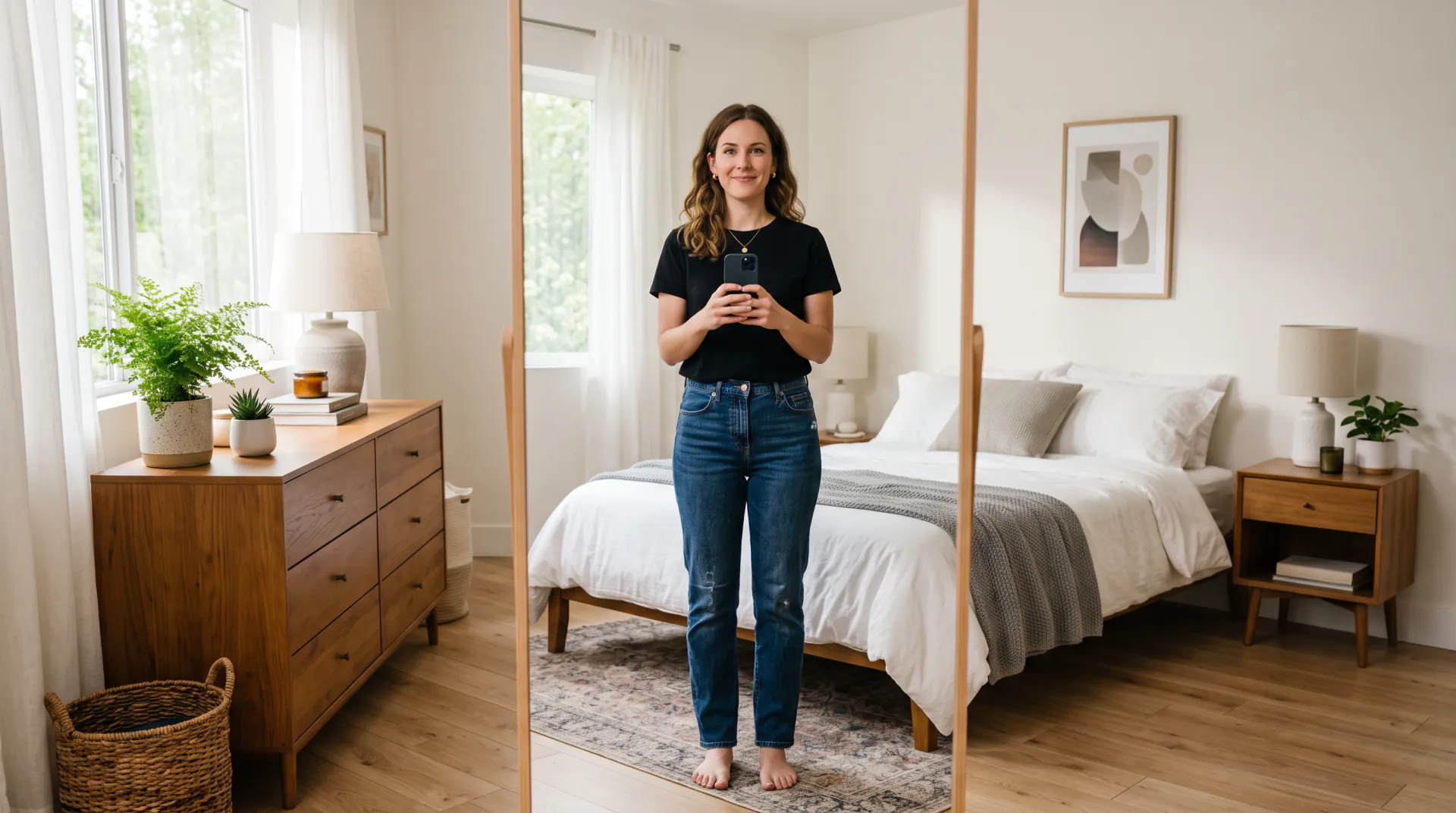
Try on outfits without a fitting room

AI clothes changer: see yourself in a new outfit

Upload a photo of yourself, describe the outfit or add a photo of the garment, and get the same photo with new clothes. Your face, body and pose stay the same.

  • Describe it or upload the garment
  • Same face, body and pose
  • Free account; paid image credits
Your photo first (full or half body), then an optional garment photo; 2 images at most. Adults only, no children. PNG, JPEG or WebP, 10 MB each.
Outfits
Model
Shape
Resolution
Variations

20 credits

Buy credits

Add a photo of yourself to change the outfit

At a glance

AI Clothes Changer is an online AI clothes changer: upload one full- or half-body photo of yourself, describe an outfit or add a garment photo, and the image model redraws you wearing it with the same face, body, pose and background. Quick (Nano Banana 2) costs 20 credits per image and Pro (Nano Banana Pro) 45. Free account; every image uses purchased credits; failed generations are refunded automatically. It only changes clothes, for adults, and never removes them.

What you upload
A full- or half-body photo of yourself, plus an optional garment photo (2 images at most; PNG, JPEG or WebP, 10 MB each)
Price per image
20 credits with Quick, 45 with Pro
Cost in dollars
About $0.17–$0.25 (Quick) or $0.37–$0.56 (Pro)
Account
Free account; every image uses purchased credits
Shapes and sizes
3:4, 2:3, 9:16, 4:5, 1:1, 4:3 at 1K or 2K, up to 1536 × 2752 px
Per run
1 or 2 variations to compare
Never allowed
Removing clothes, underwear, lingerie, swimwear, see-through or sexual edits

Why use this AI clothes changer

A good outfit preview looks like a real photo of you, just dressed differently. Everything here is built around that.

  • 01

    Describe it or upload it

    Type an outfit in plain words, pick one of the outfit chips, or add a product photo of the garment as your second image and write “wear this”.

  • 02

    You stay you

    Every request tells the model to keep your face, skin tone, hair, body shape, height, pose and expression, and not to slim or reshape you.

  • 03

    Fabric that looks real

    The brief asks for clothes that fit your pose, with folds, shadows and texture that follow the light of your photo, so the result reads as one picture.

  • 04

    Any occasion, any style

    Interview suits, wedding-guest dresses, winter coats, streetwear or a costume: 27 ready outfit prompts are one click away.

  • 05

    Two looks per run

    Ask for up to 2 variations at once and keep the one that fits best. Each variation is priced like a single image.

  • 06

    Adults only, always clothed

    The clothes changer only puts clothes on. It never removes clothing or makes revealing edits, and photos of anyone under 18 are not allowed.

How to change clothes in a photo in three steps

No store trip and no fitting room: a photo and a few words are enough.

  1. 01

    Upload your photo

    Use a sharp, well-lit photo of yourself from the head to at least the waist, standing or sitting naturally. Full-body photos work best for whole outfits.

  2. 02

    Describe or add the outfit

    Write the outfit piece by piece, tap an outfit chip, or add a photo of the garment as a second image and write “wear the garment from my second photo”.

  3. 03

    Generate, compare, download

    Choose Quick or Pro, check the credit price and generate. Compare the variations with your photo and download the look you like.

What an AI clothes changer does

An AI clothes changer takes a photo of a person and redraws the clothing while keeping the person, the pose and the scene. Instead of cutting out a garment and pasting it on, an image model paints the new outfit onto your body, with fabric that bends at the elbows, shadows under the collar and light that matches the room.

AI Clothes Changer wraps every request in a fixed brief: dress the person in the requested outfit, keep their identity, body and pose exactly, keep the background unless asked otherwise, and never remove clothing. You only describe the clothes. People also search for this as “AI try on clothes” or “clothes changer AI”; it is the same idea.

The result is a generated picture, not a photograph. It shows how a look could appear on you, not how a real garment in a real size will fit, so use it for ideas and choices, not for measurements.


Quick or Pro: which model to use

Quick runs Nano Banana 2 at 20 credits per image. It is fast and good for trying many outfits, colors and styles before you settle on one.

Pro runs Nano Banana Pro at 45 credits. It studies your photo and the garment photo more carefully, which gives the best likeness, cleaner fit and finer fabric detail such as knit texture, prints and stitching.

  • Trying many outfit ideas: Quick
  • Matching a specific garment from a product photo: Pro
  • A look you want to share or print: Pro at 2K
  • Planning an event outfit: compare a few on Quick, finish with Pro

Photos that give the best outfit changes

The model can change clothes, but it can only keep what it can see. These habits matter more than anything you type:

  • Show at least head to waist; head to feet for full outfits and shoes
  • Stand straight with arms relaxed, not crossed over your body
  • Use soft daylight and a sharp photo without beauty filters
  • Wear fitted, simple clothes in the photo; bulky coats hide your shape
  • Keep one person in the frame, facing the camera
  • For a garment photo, show the whole piece on a plain background

It changes clothes, it never removes them

This is a tool for trying on outfits. Every request carries rules the visitor cannot switch off: the person must be an adult, the result must be fully and modestly clothed, and the model is told never to remove clothing or make underwear, lingerie, swimwear, see-through or sexual images. Outfit text with words that ask for any of that is swapped for an ordinary outfit on our server before it reaches the model, the brief tells the model to do the same with anything that slips through, the model provider's own safety filters may refuse it, and we may close accounts that try.

Upload only photos of yourself, or of an adult who has agreed to it. Photos of children are not allowed, and neither are images meant to embarrass, deceive or impersonate anyone.

Your photos stay private

Your photo is stored at a long, unlisted link so the model can read it, and your results are saved to your private history. Neither is shown to other visitors, used as site examples or used by us to train models.

We keep them while your account is open, with no automatic deletion schedule, and delete them, or your whole account, when you ask us from your account's email address.

AI clothes changer, fitting room or photo editing?

Each answers a different question. The AI preview is fast for ideas; only a real fitting shows real fit.

AI Clothes ChangerFitting roomManual photo editing
What you getA generated picture of you in the outfitThe real garment on your bodyA collage you build by hand
What it takesOne photo and an outfit descriptionFinding the store and the garmentCutting out and blending by hand
Cost per lookAbout $0.17–$0.56 in creditsNo cost, but a trip and a queueYour time, plus editing software
Shows real size and fitNoYesNo
Best forIdeas, event planning, comparing stylesBuying the right sizePrecise, controlled composites

AI clothes changer questions, answered

How does the AI clothes changer work?

You upload a photo of yourself and describe an outfit or add a garment photo. The site sends both, with a brief that keeps your face, body and pose, to an image model (Nano Banana 2 for Quick, Nano Banana Pro for Pro), which redraws the photo with the new clothes.

Is the AI clothes changer free?

Registration is free, but every image uses purchased credits: 20 with Quick or 45 with Pro. New accounts receive no free images and there is no daily free tier. A credit pack starts at $4.99.

Can I try on clothes from a shop's product photo?

Yes. Add the product photo as your second image and write “wear the garment from my second photo”. The result shows the look on you, not the real fit or size, and the model is told to leave out logos and printed lettering.

Will it still look like me?

Usually, when the photo is sharp and well lit; Pro keeps the likeness best. AI can still shift small details such as hands or the hairline, so compare the variations and run again if something looks off.

What will the clothes changer not do?

It never removes clothing and never makes underwear, lingerie, swimwear, see-through, revealing or sexual images. Every request carries these rules: outfit text that asks for them is swapped for an ordinary outfit before it reaches the model, and the model is told to do the same. We may close accounts that try.

Whose photos can I upload?

Only photos of yourself, or of an adult who has given you permission. Photos of anyone under 18 are not allowed, and neither are images meant to embarrass, deceive or impersonate someone.

What happens to my photos?

Your photo is stored at an unlisted link so the model can read it, and your results are saved to your private history, listed only in your account. We keep them while your account is open and delete them when you ask us.

Can I use the images commercially?

Yes, for images of yourself or of an adult who agreed, used in line with our terms of service. They are generated images: do not present them as photos of a real garment's fit or as product photos you did not take.

See yourself in a new outfit today

Upload a clear photo and describe the outfit. Generation uses purchased credits; packs start at $4.99.

Last updated October 23, 2026

Create your free account